
Shaders are written in Metal. See the Shader Guide for a walkthrough.
Default Shader
fragment float4 shader() {
	return float4(u, v, 0.0, 1.0);
}
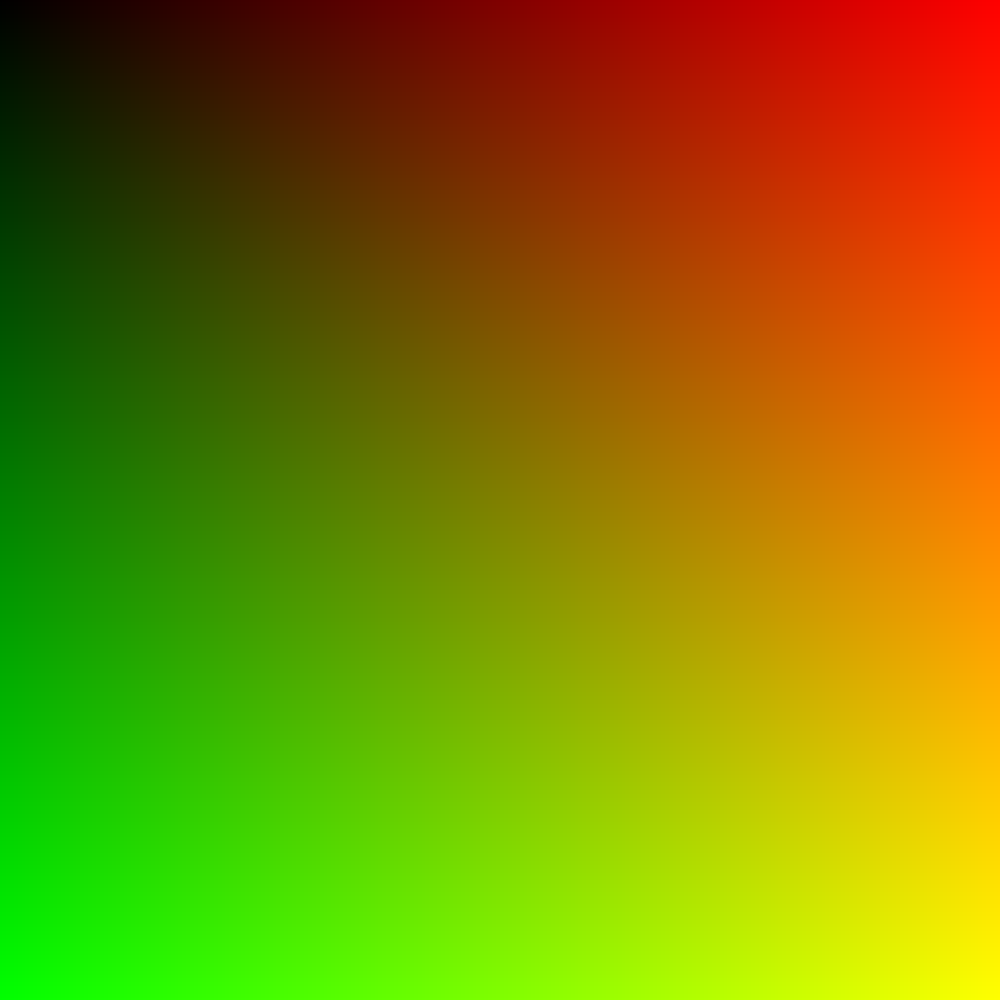
This returns a gradient Graphic, based on predefined u (x / width) and v (y / height) variables.
Predefined Variables
uis afloatthat goes horizontally in the X axis from0.0to1.0, left to right.vis afloatthat goes vertically in the Y axis from0.0to1.0, top to bottom.uvis afloat2, a combination ofuandv.resolutionis afloat2with the resolution of the output Graphic.samplercan be used to sample pixels in an input Graphic.M_PI_FPI (Defined by Metal).
User Defined Variables
In the 
In properties, use External Inlets to add the variables, along with names.
Once a variable is created, a new inlet will be added to the node.
Sampling Pixel Colors
float4 color = graphic_1.sample(sampler, uv);
This code assumes there is an external inlet of type Graphic added with a name of graphic_1.
To get the resolution of the input Graphic, use the get functions like this:
uint inputWidth = graphic_1.get_width();
uint inputHeight = graphic_1.get_height();
Custom Functions
float smooth(float value) {
    return cos(value * M_PI_F + M_PI_F) / 2.0 + 0.5;
}

fragment float4 shader() {
    return float4(smooth(u), smooth(v), 0.0, 1.0);
}