
Shaders are written in Metal
A shader is code run for every pixel in a graphic.
The shader code you write is only for one pixel and the job is to return the color for that pixel.

Shader
fragment float4 shader() {
    float red = 1.0;
    float green = 1.0;
    float blue = 1.0;
    float alpha = 1.0;
    return float4(red, green, blue, alpha);
}
This shader returns 1.0 for every channel in the pixel, displaying a fully white graphic. Colors are represented but not limited to values between 0.0 and 1.0.
Coordinates
fragment float4 shader() {
    return float4(u, v, 0.0, 1.0);
}
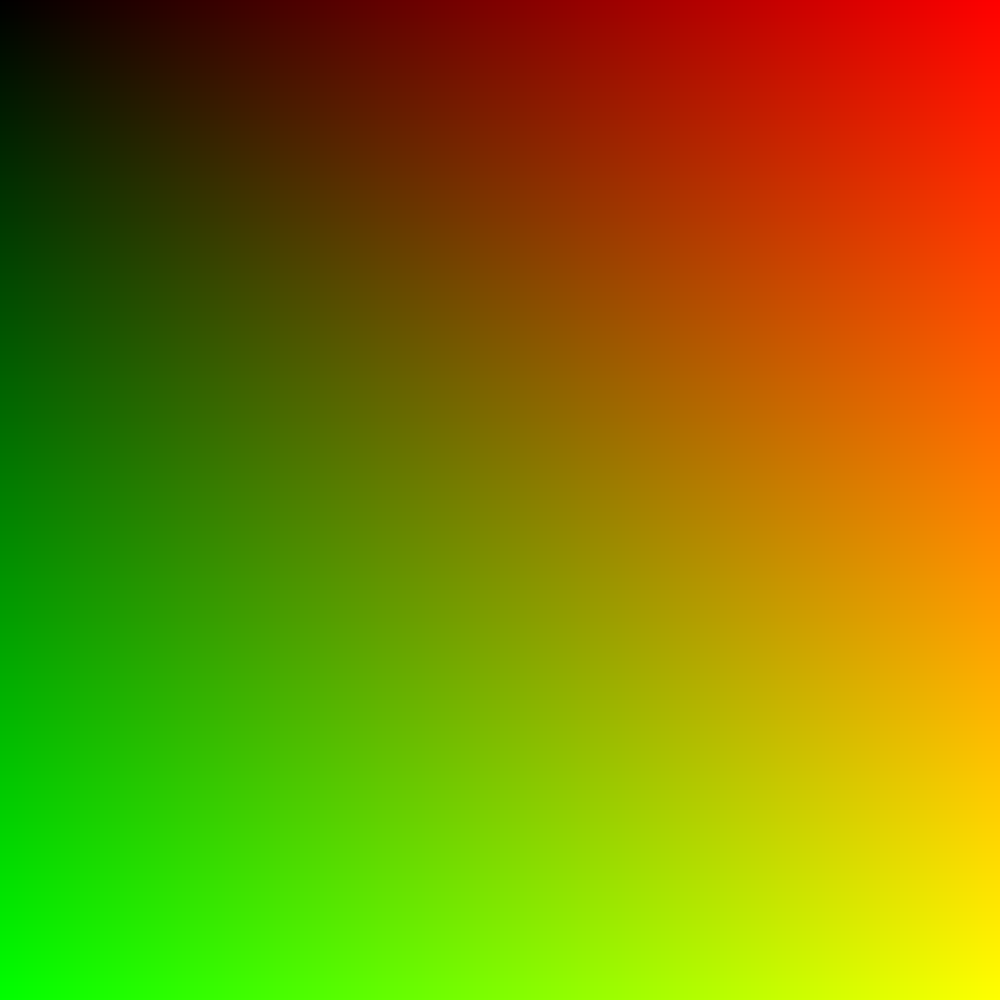
To determine the location of the current pixel, use the normalized uv coordinates. This variable is predefined and available in the main shader function. u and v are its horizontal and vertical components.
Functions
float smooth(float value) {
    return cos(value * M_PI_F + M_PI_F) / 2.0 + 0.5;
}

fragment float4 shader() {
    return float4(smooth(u), smooth(v), 0.0, 1.0);
}
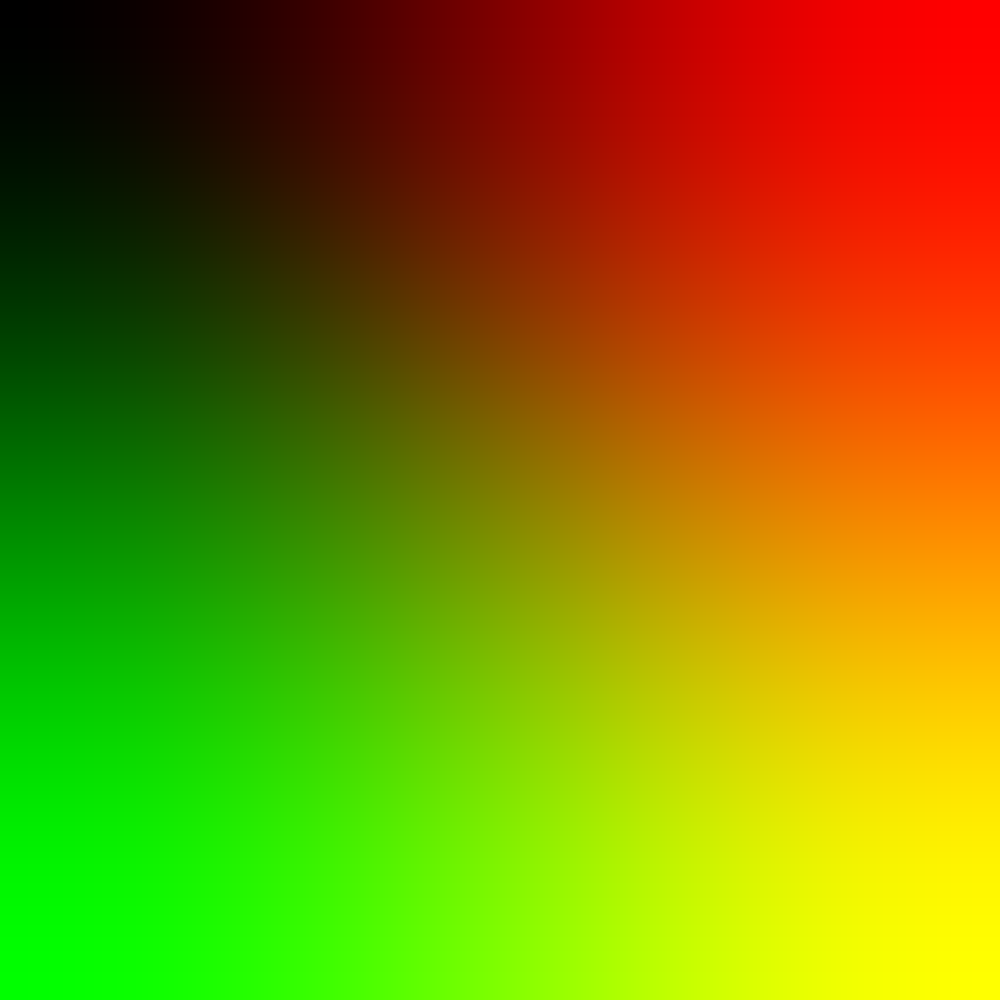
Define a function by first defining what type to return, in this case a float. Then the name and the arguments. This function smoothes out values between 0.0 and 1.0.
Colors

fragment float4 shader() {
    return color_1;
}

Color and other types of variables can be added by creating a new in-let in the properties panel of the Shader node. Then wire in another node’s outlet of that type.
Graphics

fragment float4 shader() {
    float4 color = graphic_1.sample(sampler, uv);
    return float4(color.r, color.g * 0.5, 0.0, 1.0);
}

Graphics can be sampled to get the pixel color. Here we’re sampling at uv that is the current pixel. To sample another pixel, add to the uv like this: uv + float2(0.1, 0.0).
Bits

Two important Shader node properties are Resolution and Bits. Bits is the color depth, 8bit is default and will give 256 steps of luminance per channel. 16bit and 32bit allow a lot more steps per channel, and allow colors to go below black and beyond white. Colors below black or above white can be useful for technical effects or to view XDR colors on supported displays. This can be useful in a 
Official Docs
Metal Shading Language Specification
See the Shader Reference for predefined variables and input sampling.