

Shortcuts by Apple
Open a Flow
To open a flow from a shortcut add the “Open Flow” shortcut and select your flow:
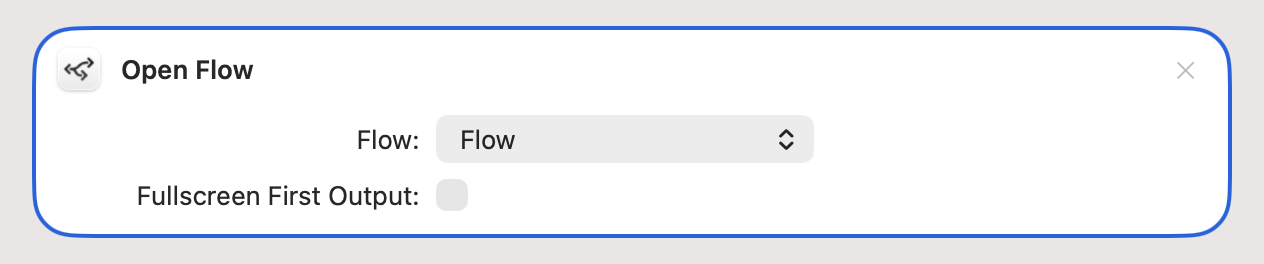
Optionally open the flow in fullscreen. (The first top level connected outlet will be presented)
Run a Flow
There are multiple Flow Nodes shortcuts, these use the top level inlets and outlets of a flow to run a shortcut. They are hardcoded to take a specific input and output type. Tho there is a JSON shortcut for providing multiple inputs or outputs of different core types.
How to use the JSON shortcut?
The input values gets extracted from the JSON and their keys need to match the names of the nodes the inlet wires are connected to at the top level of the flow.
The output can be JSON or a Graphic.
To allow the shortcut to differentiate between wires, it’s recommended to use renamed Relay nodes for the top level inputs and outputs.
Run from Terminal
Shortcuts can also be run from the terminal like this:
shortcuts run "My Flow Shortcut"