
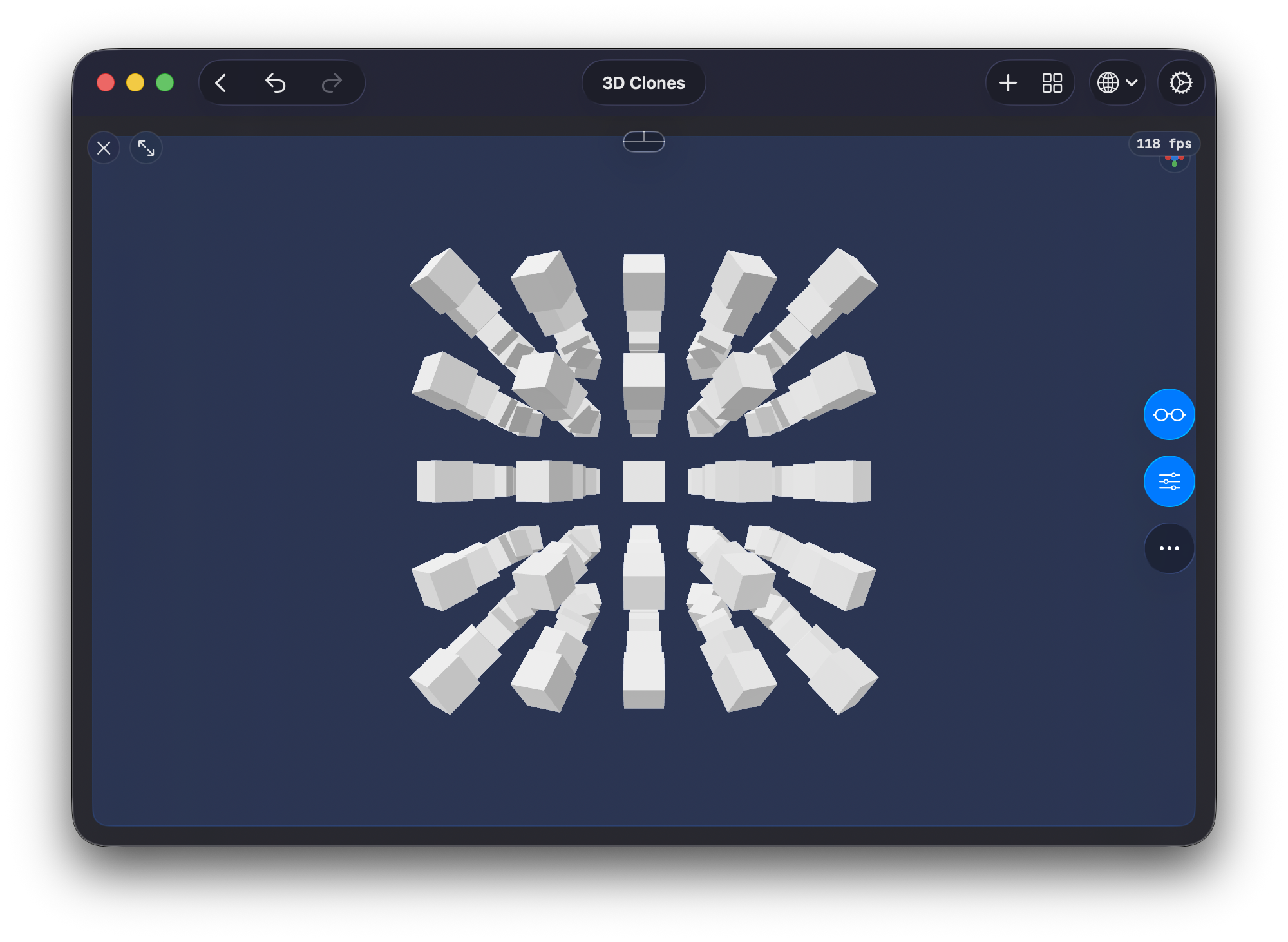
Create a grid of cubes rotated with a look at quaternion (3D rotation).
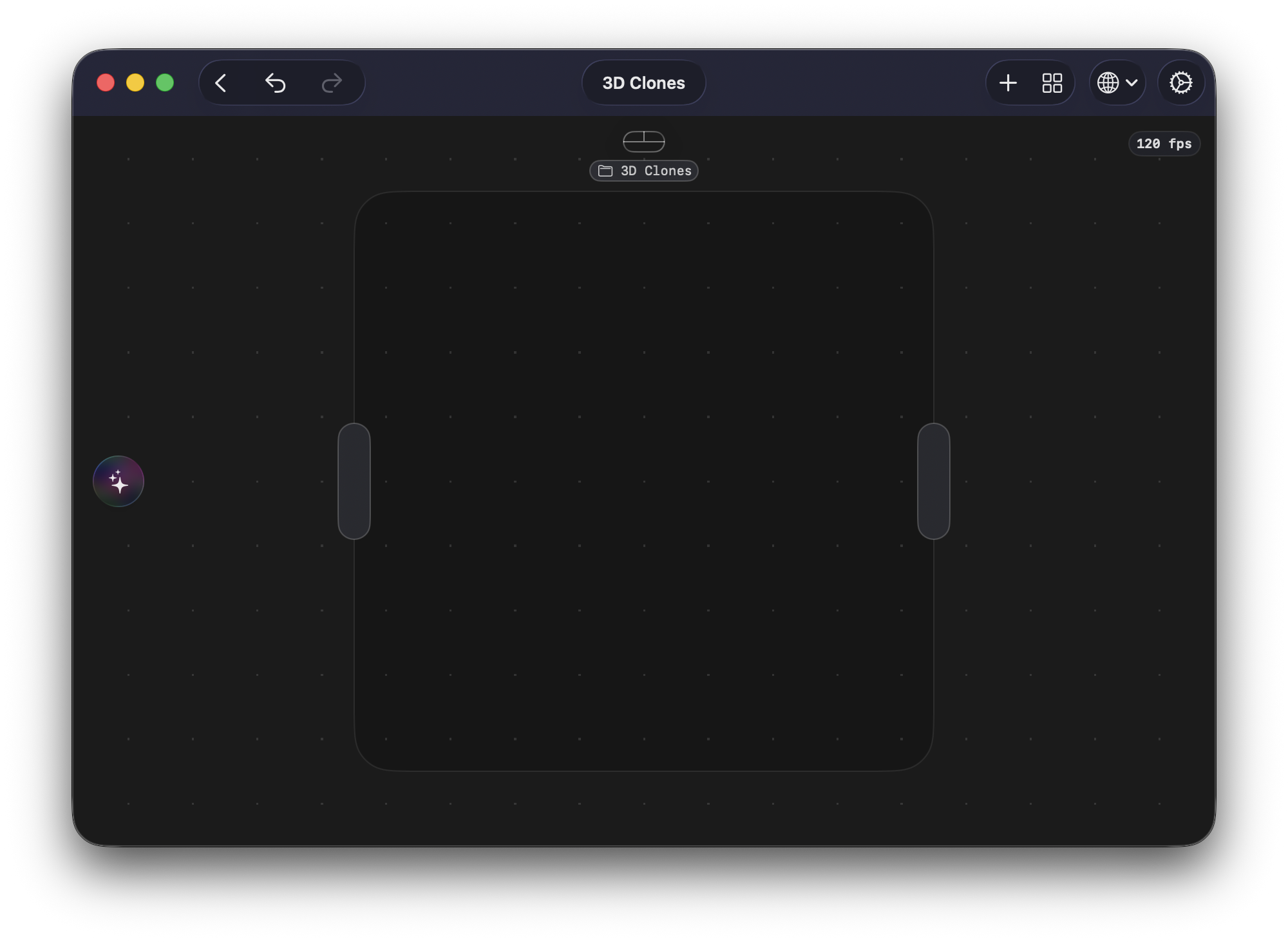
Start with a new flow:
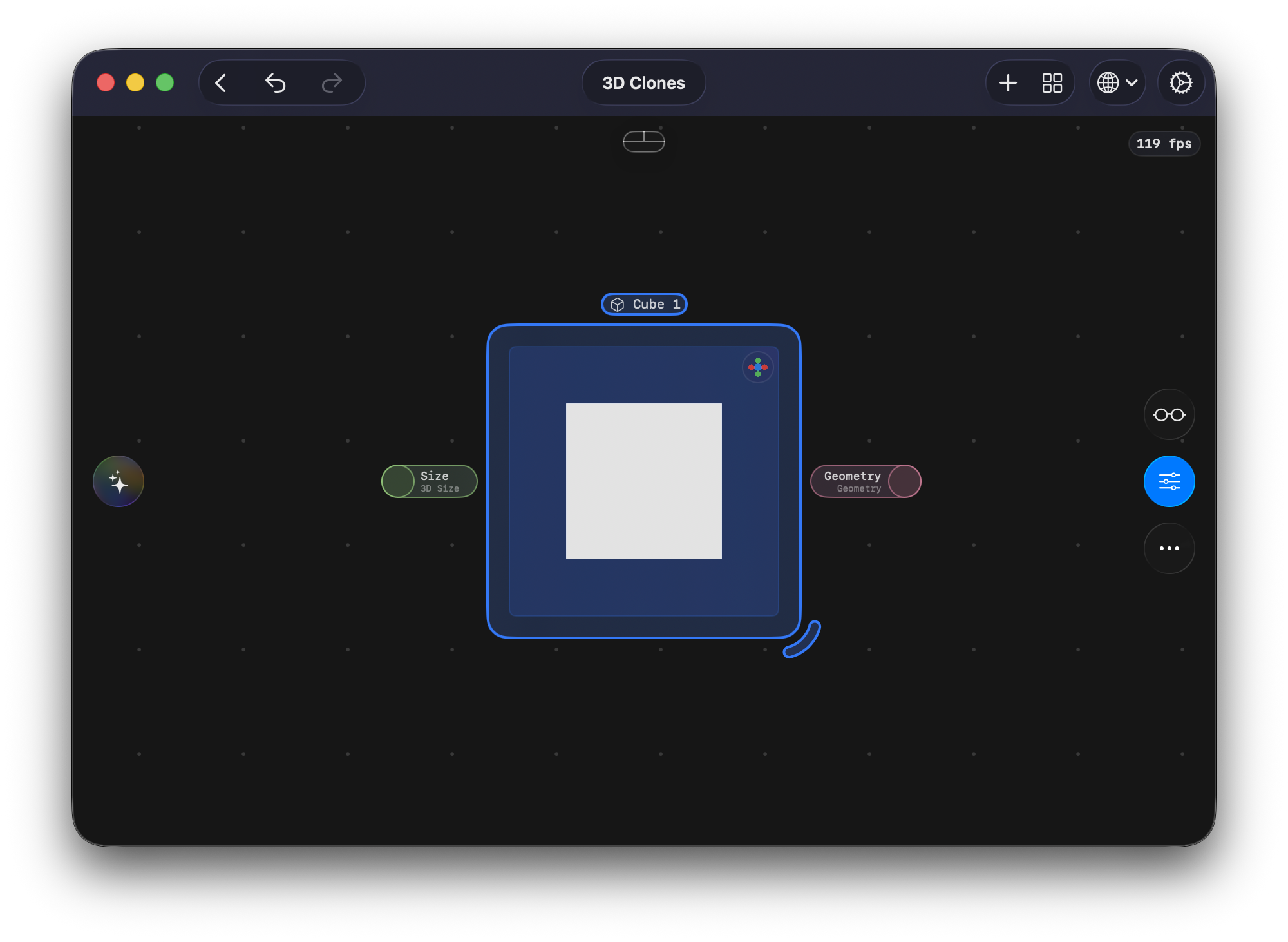
Cube
Add a 
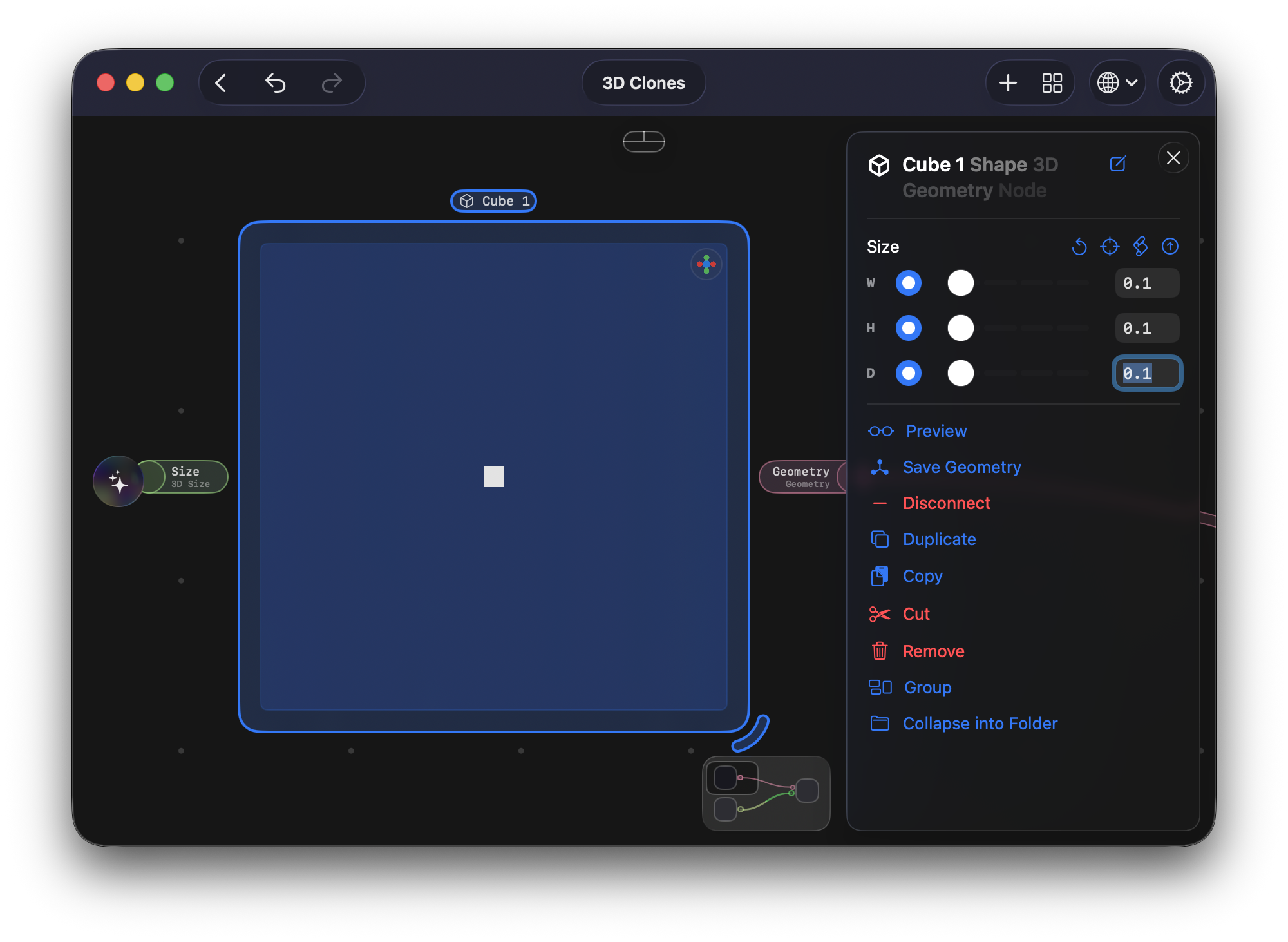
Set it’s size to 0.1 in all axis:
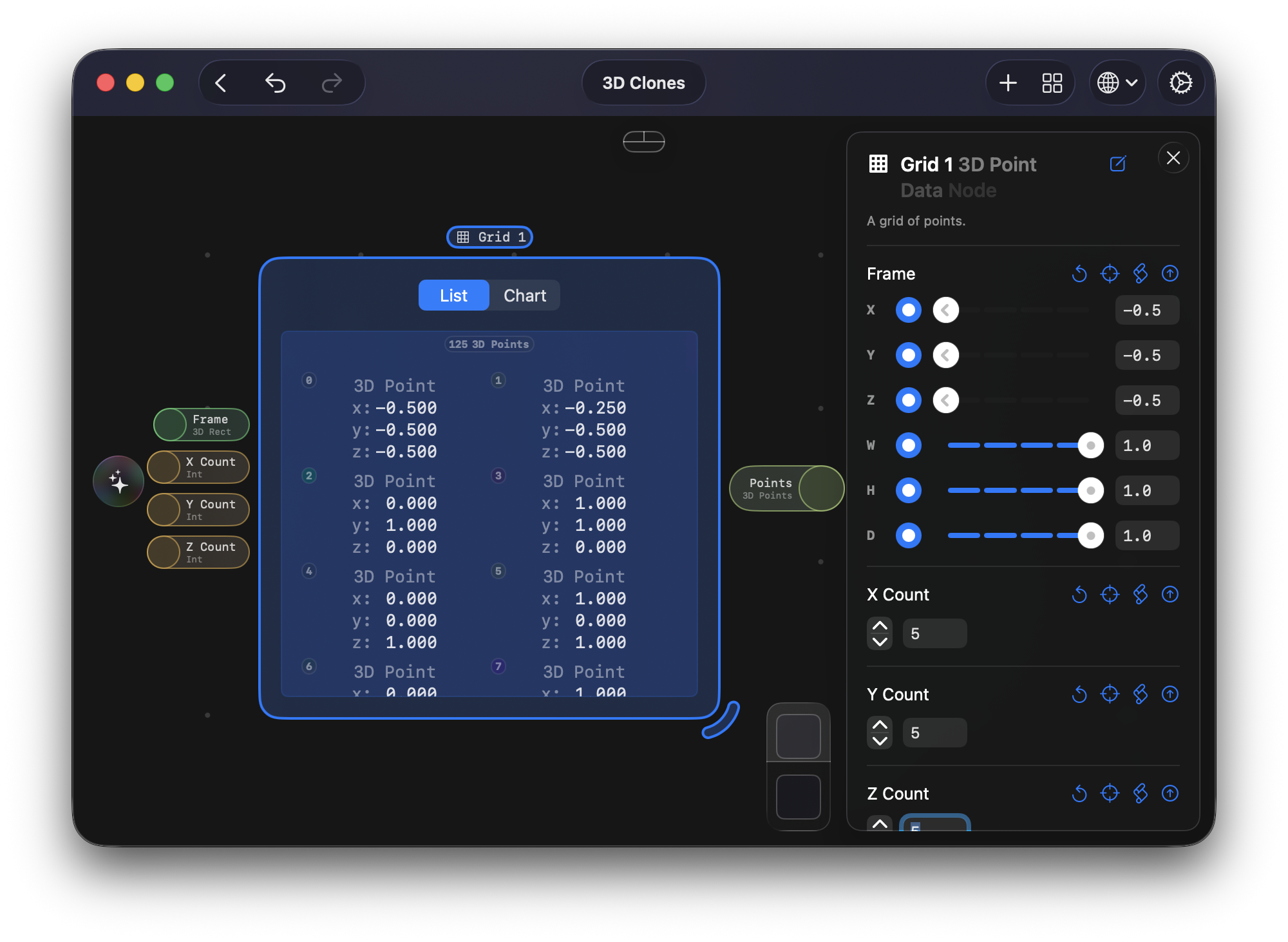
Grid
Add a 3D Point 
-0.5 in all axis and set the count to 5 in all axis.
Clones
Add a 
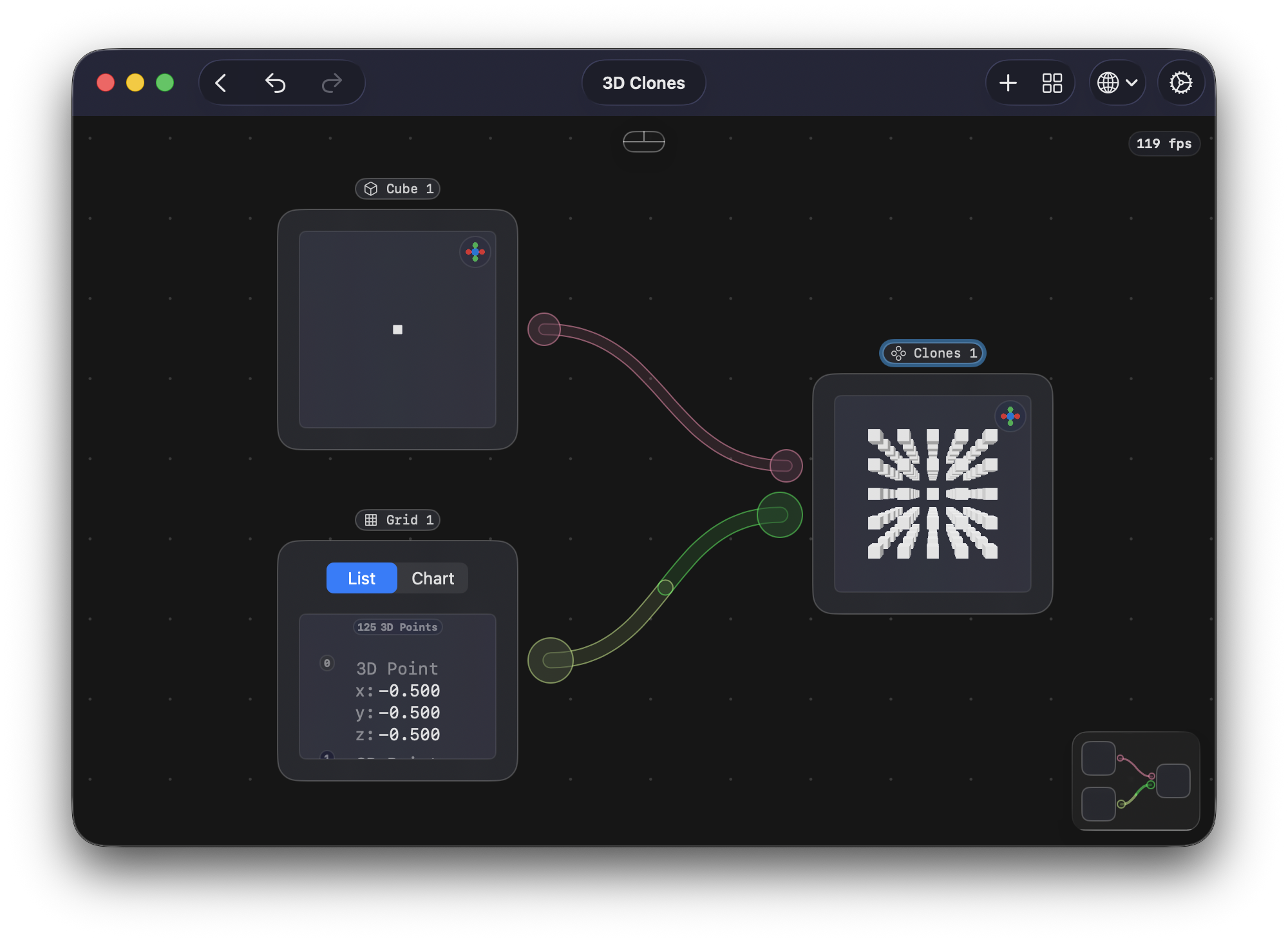
This is a basic grid with the position Point 3D list being auto converted to a Transform 3D list.
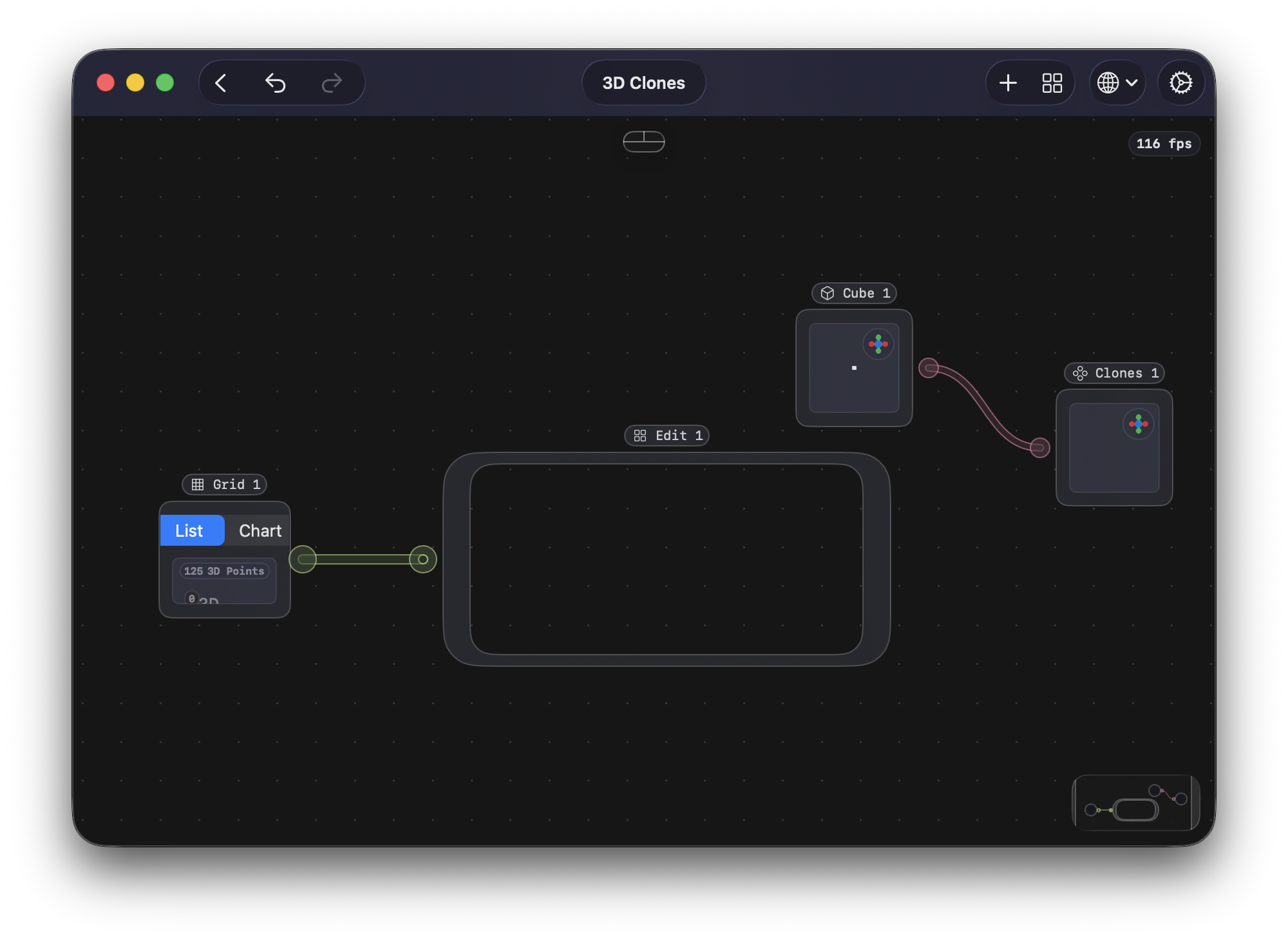
Edit
Add an Edit map node and wire in the grid 3D points:
Add a 
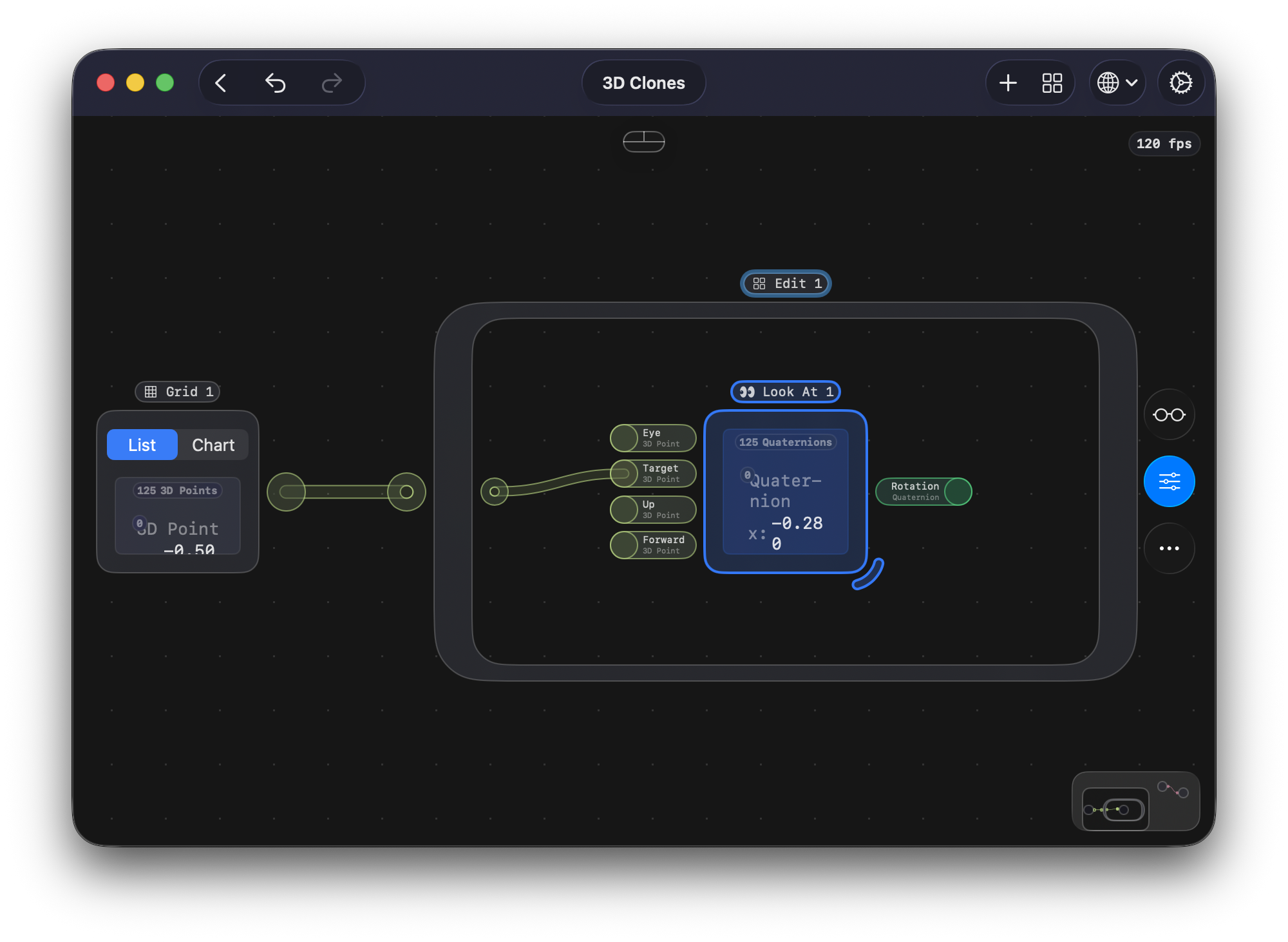
Combine the new Quaternion (3D rotation) with the Position in a Construct 3D Transform node:
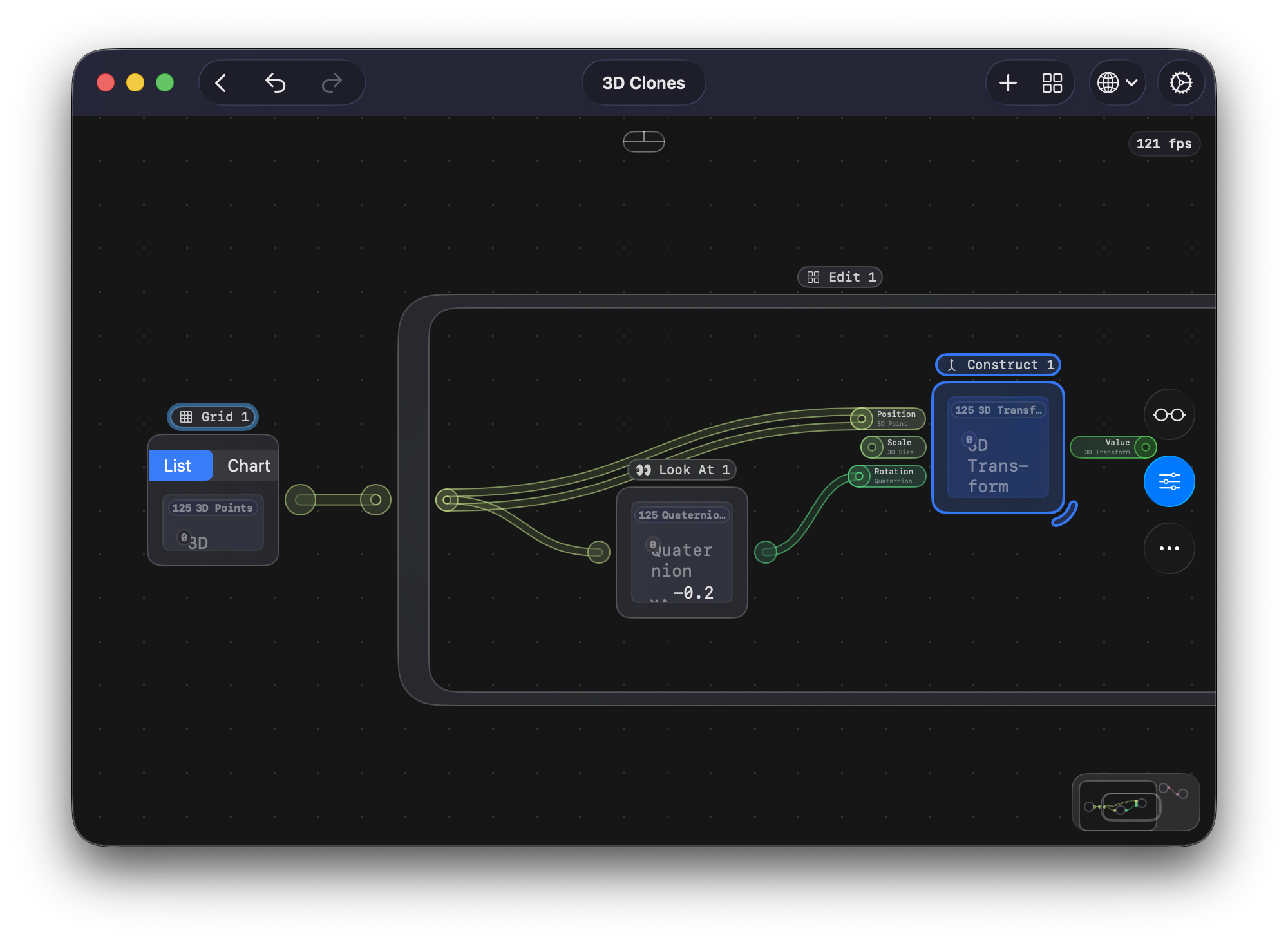
Wire out the 3D Transform on the right side of the Edit node:
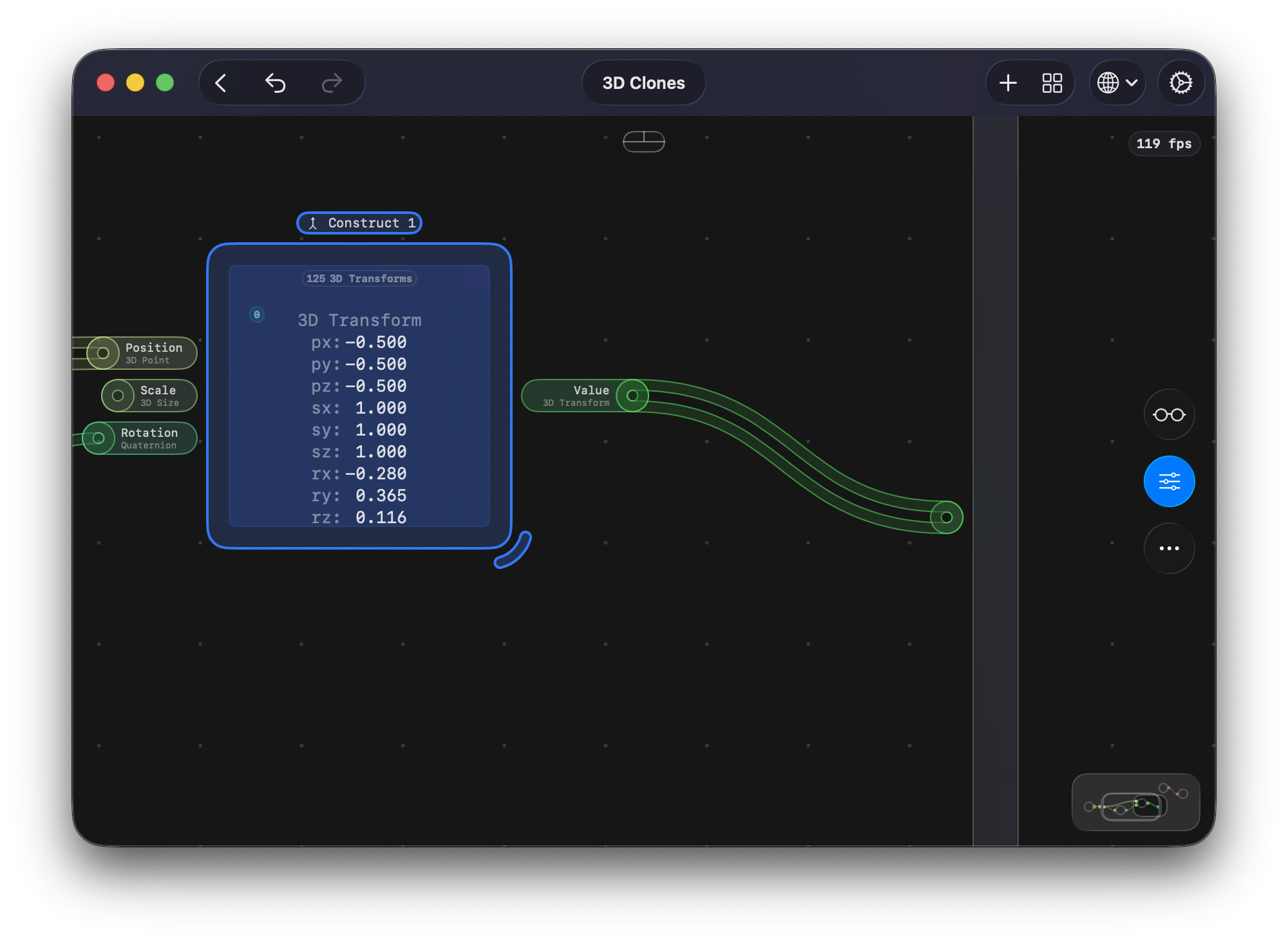
Connect the Edit outlet to the Clones Transform inlet node:
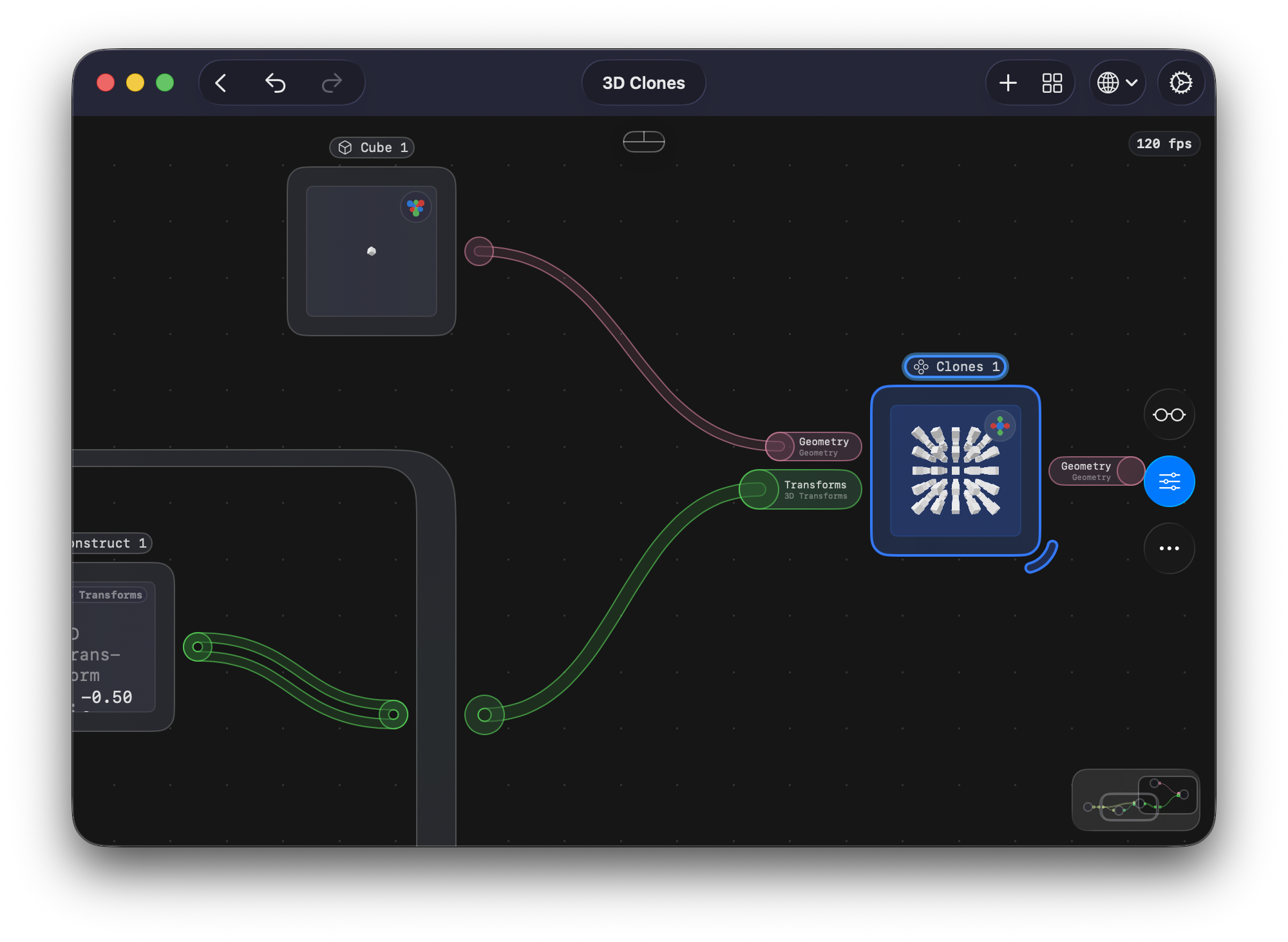
Here’s the final flow:
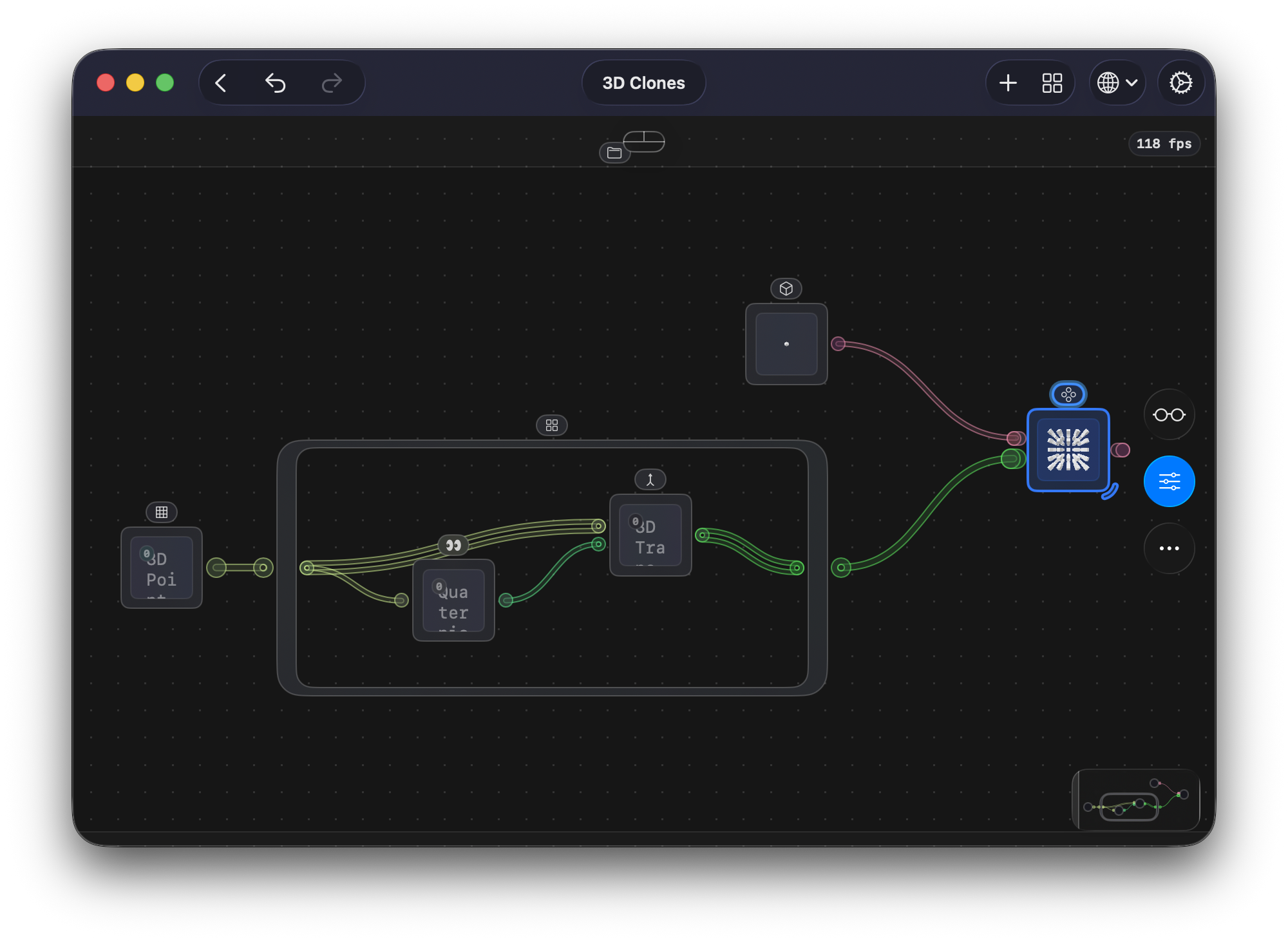
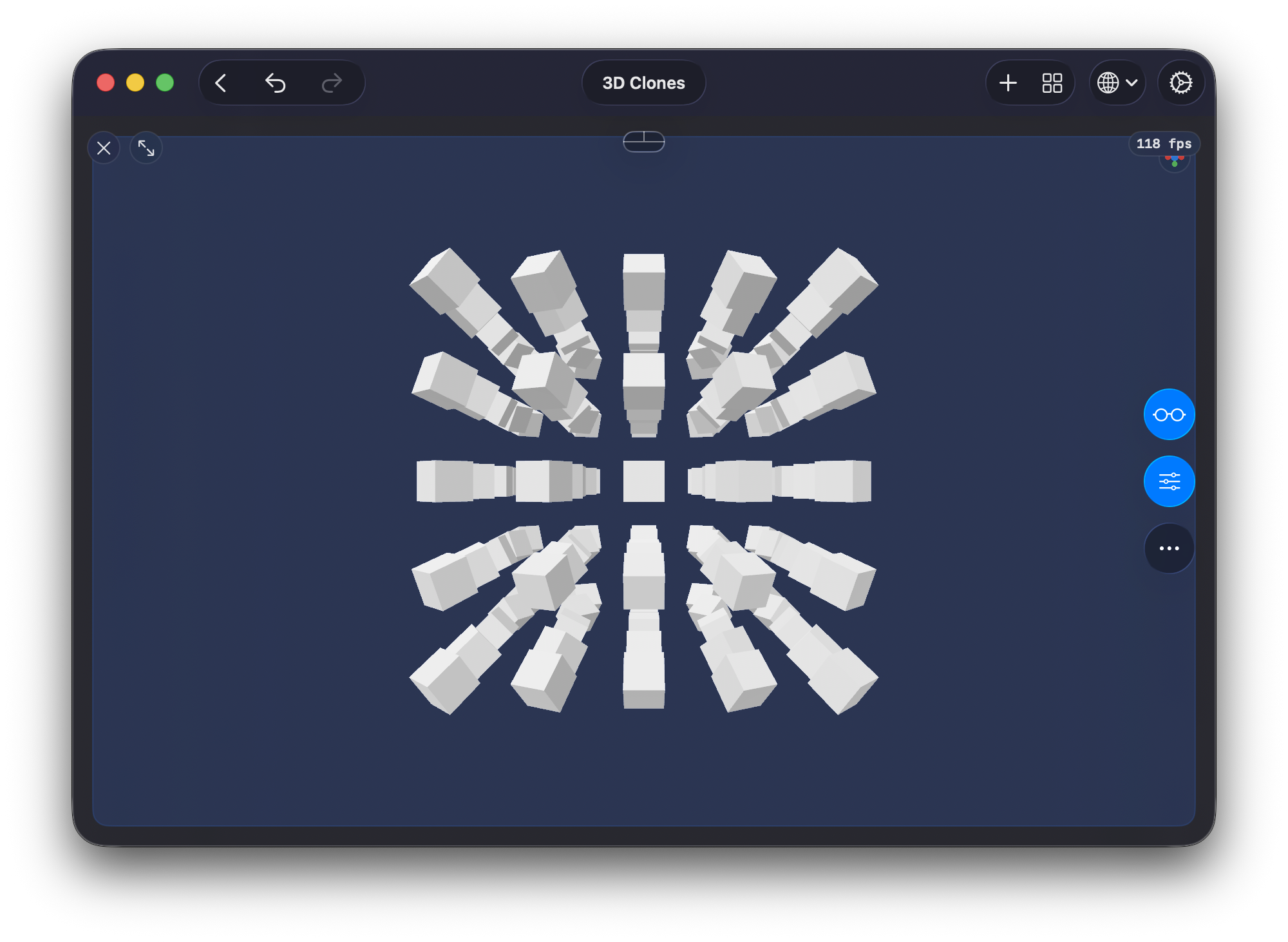
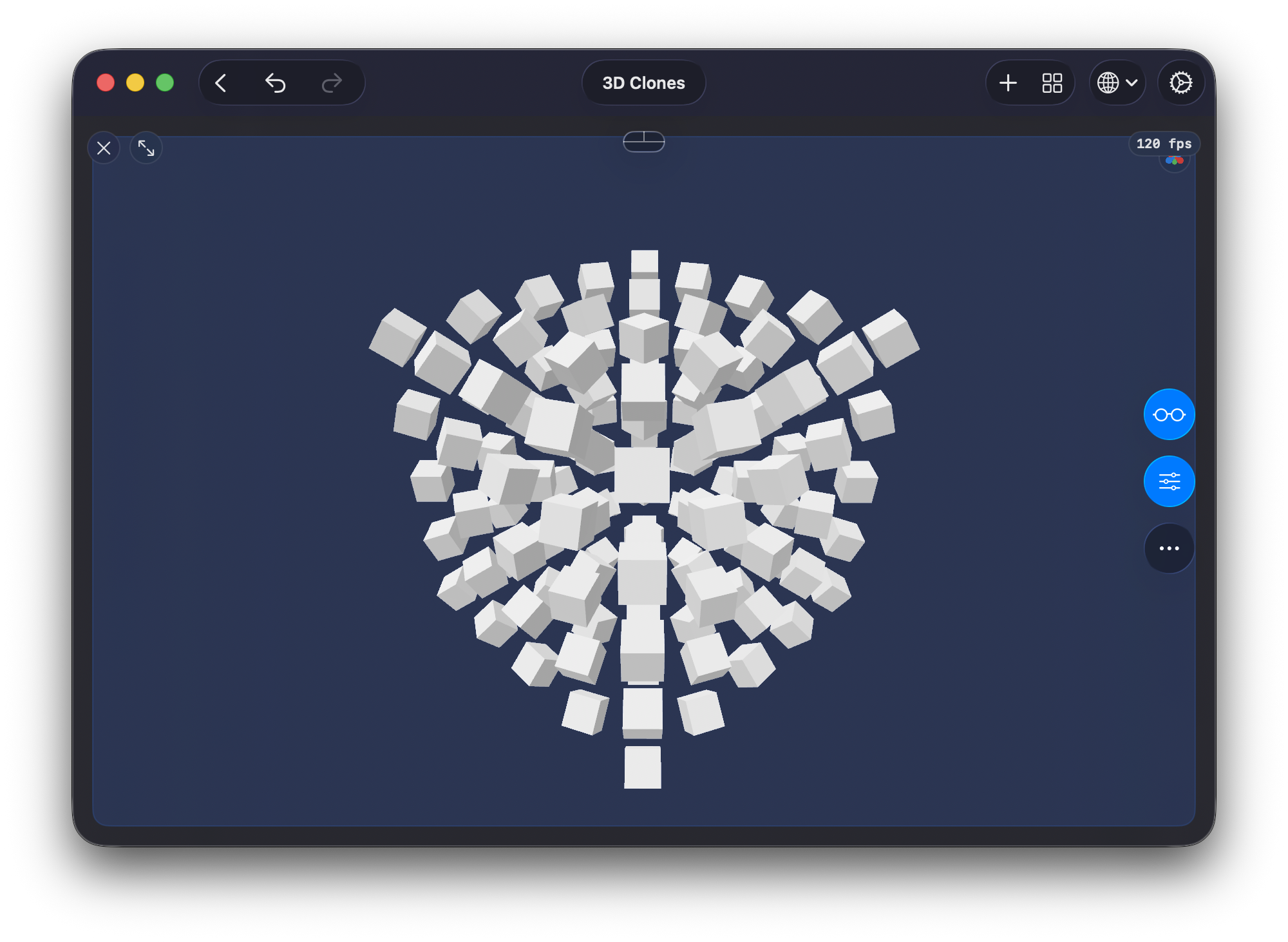
Here’s the final 3D Geometry:
Here’s the final flow file: