
To render 3D objects in Flow Nodes, the general pipeline is:
**Geometry → Fields → Entities → Render → Graphic
**In this guide we’ll go through these various 3D node types.
This guide will show you how to render, animate and post process some cloned cubes.
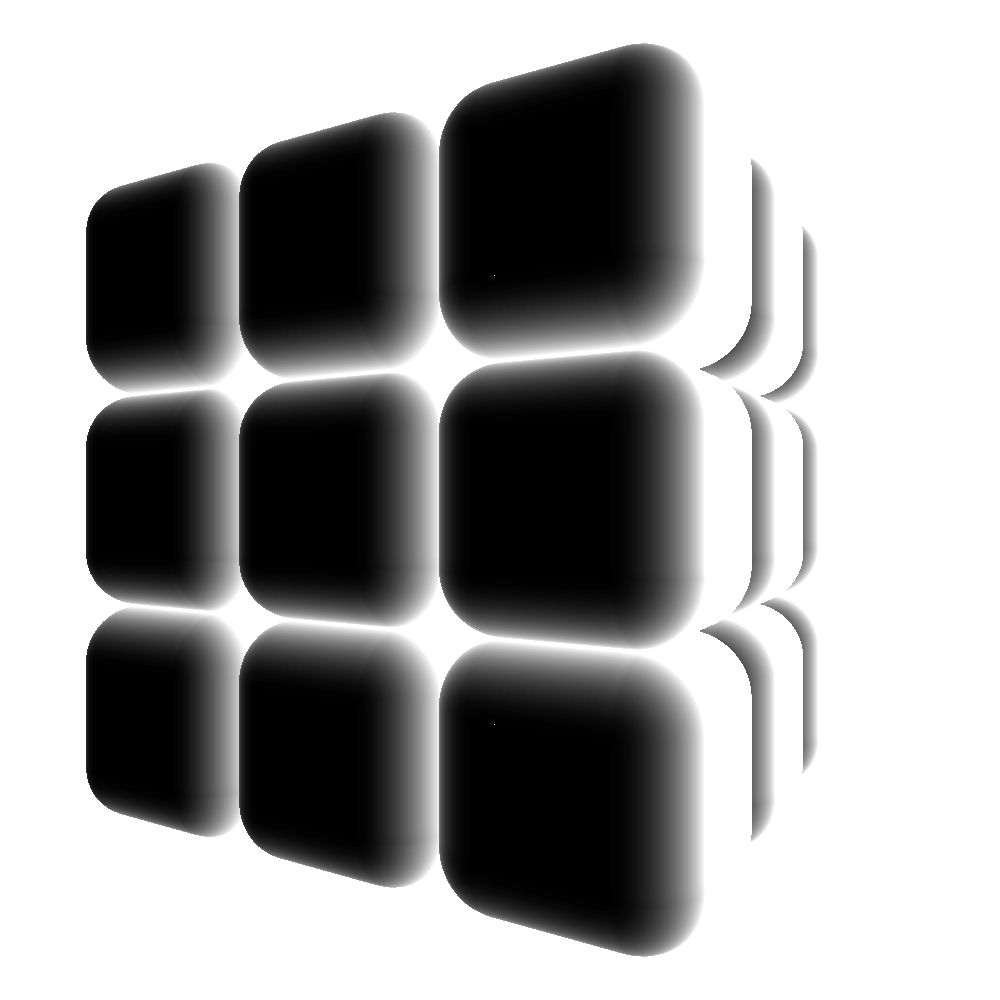
Create a Cube
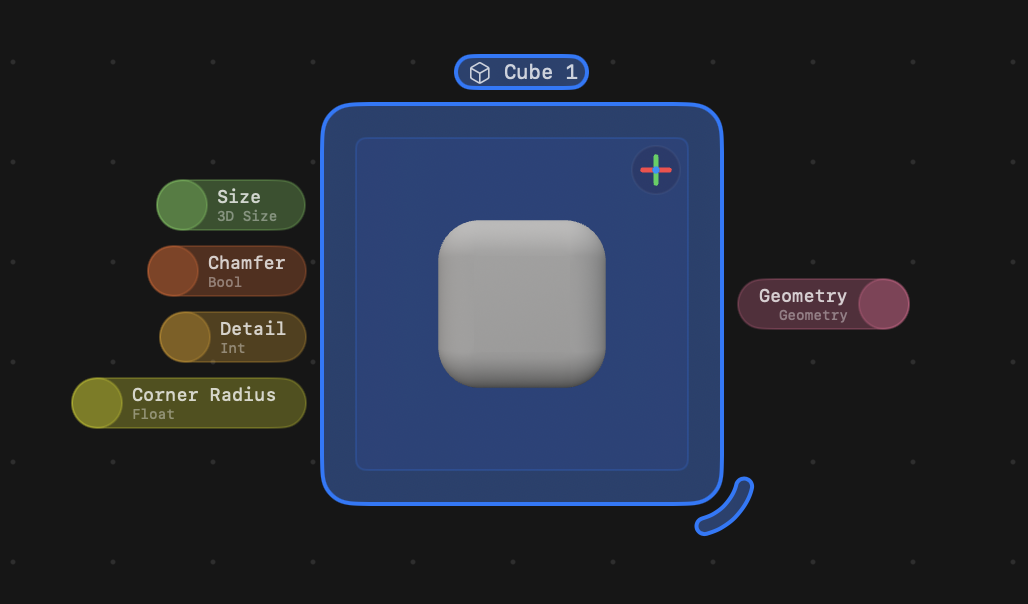
Start by creating a Cube geometry node.

Clone the Cube
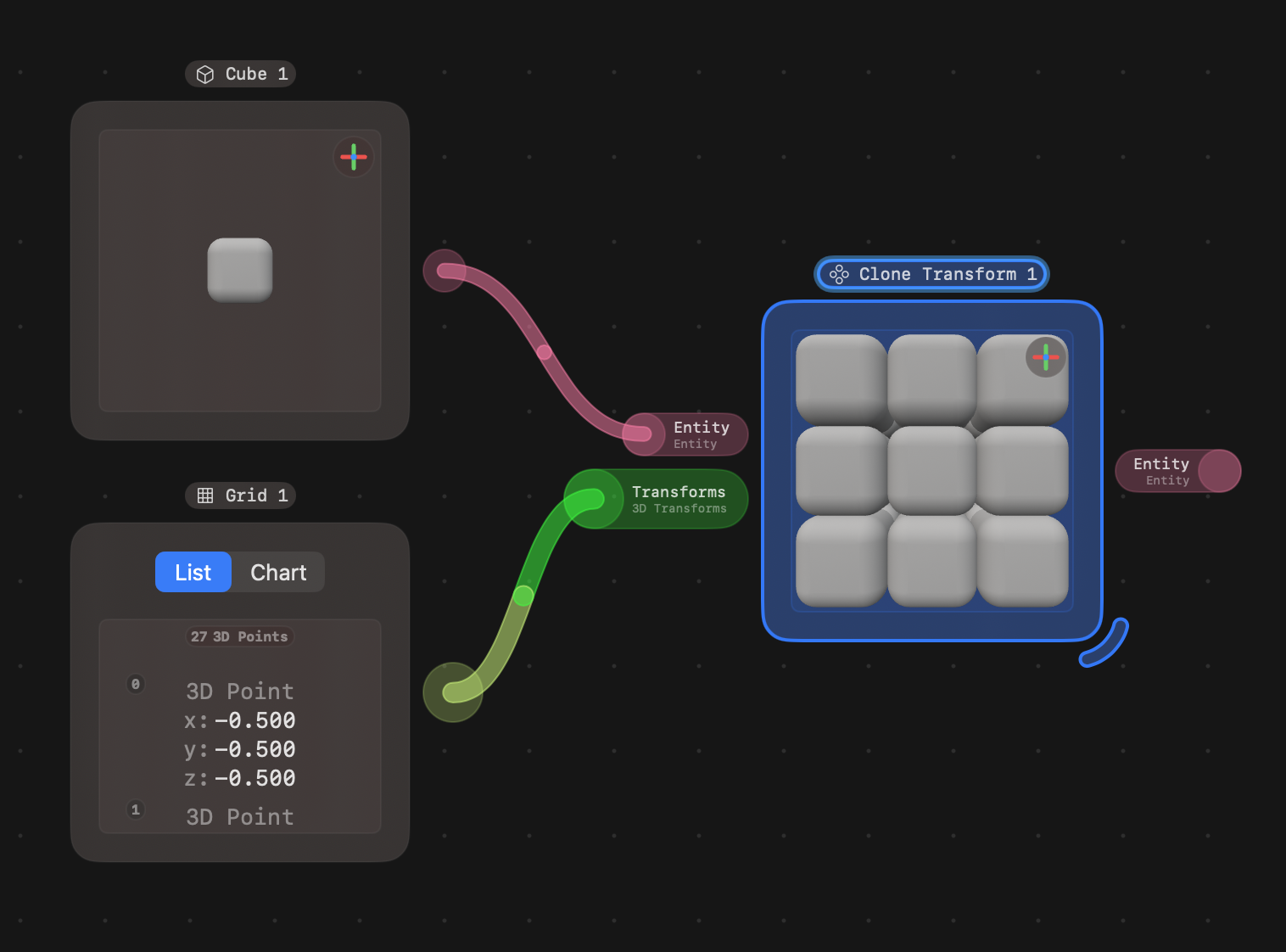
Next add a Grid node (3D Point).
Set the count to 3x3x3 and set the center to 0.0 on all axis.
Then create a Clone Transform node.
And finally connect the nodes.


Render the Cubes
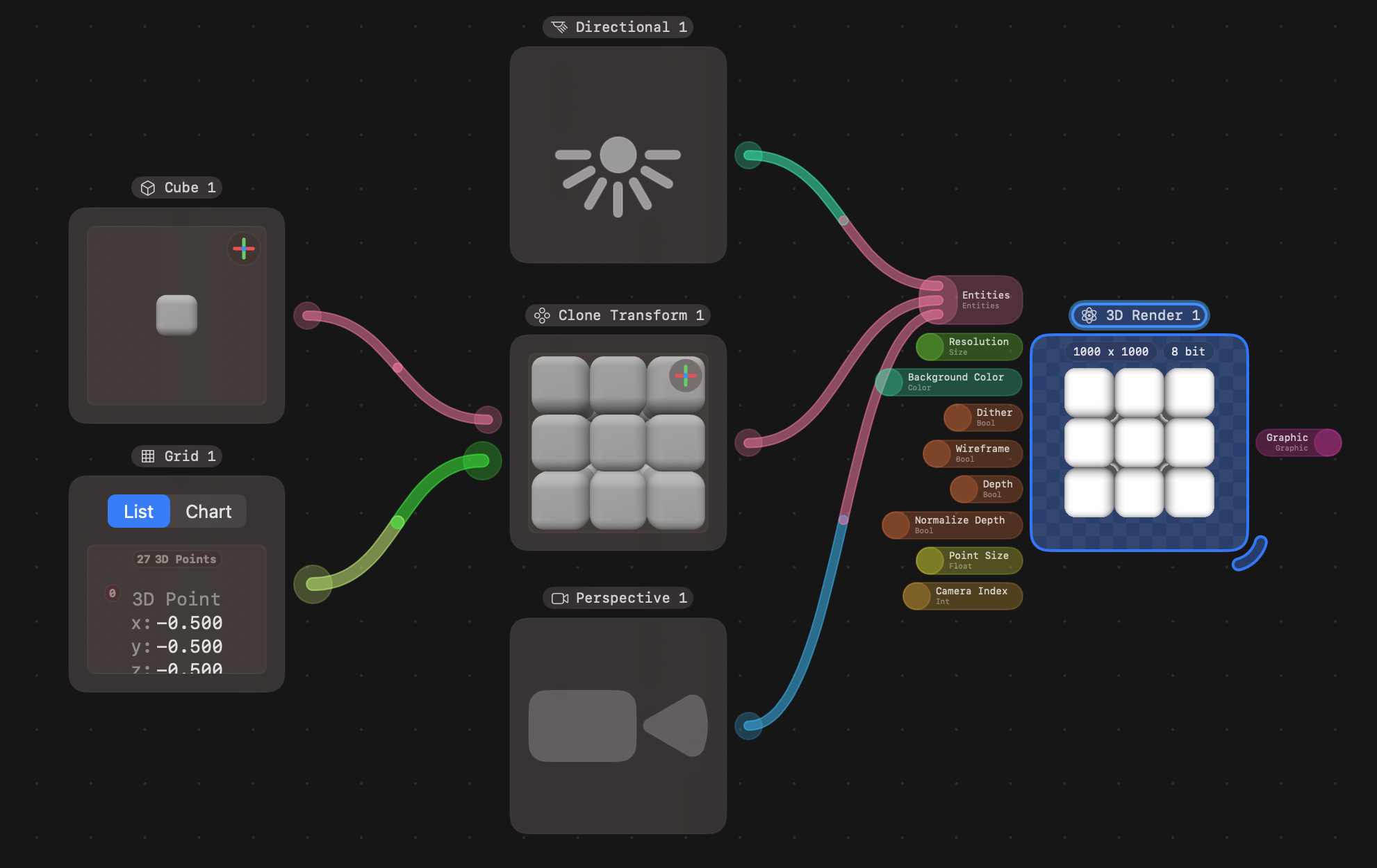
In this step we add the 3D Render node and connect the cloned cubes. The render node requires a camera, so add a perspective camera and a directional light.


Post Processing
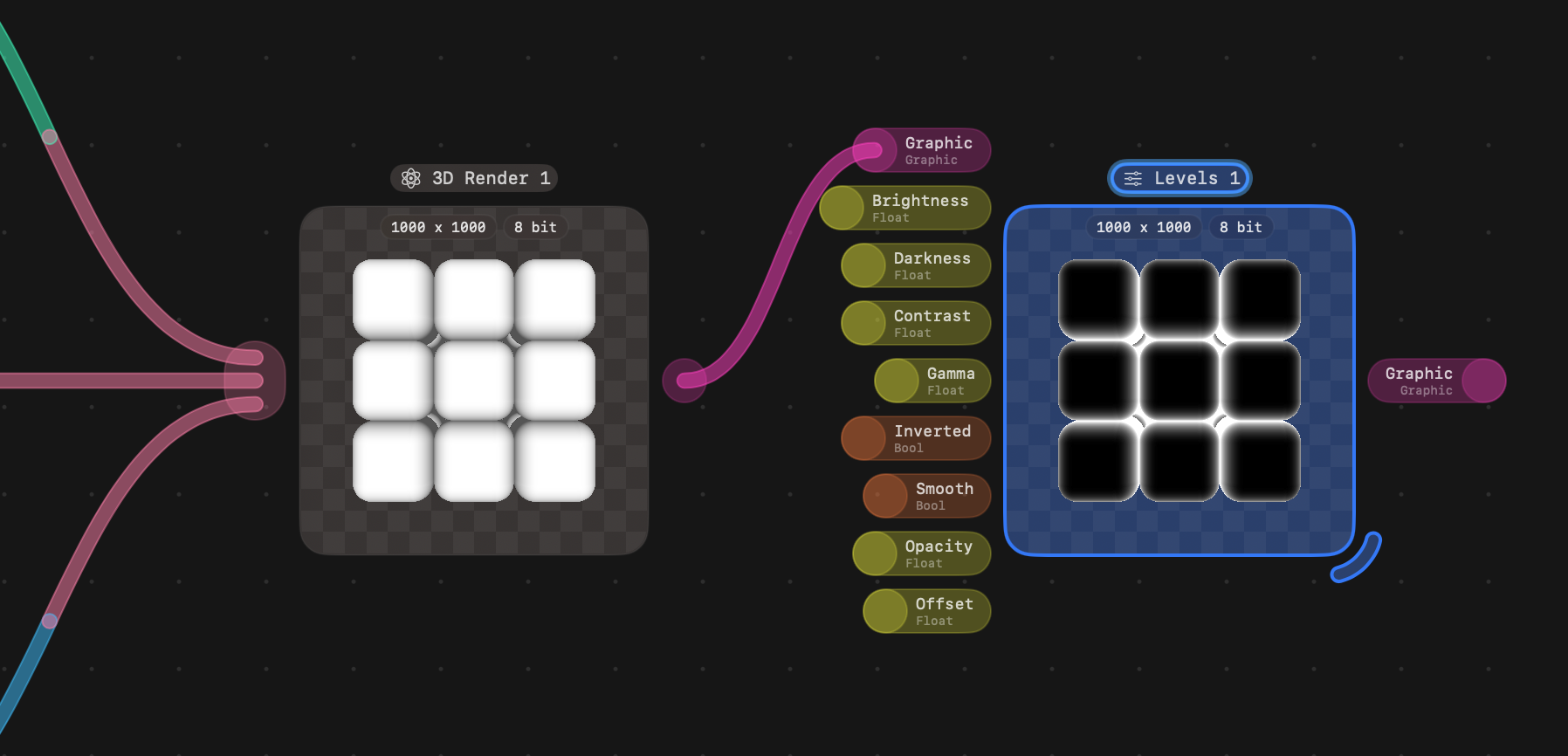
Add a Levels node and invert the graphic, and adjust brightness and contrast as needed.

Animate the Camera
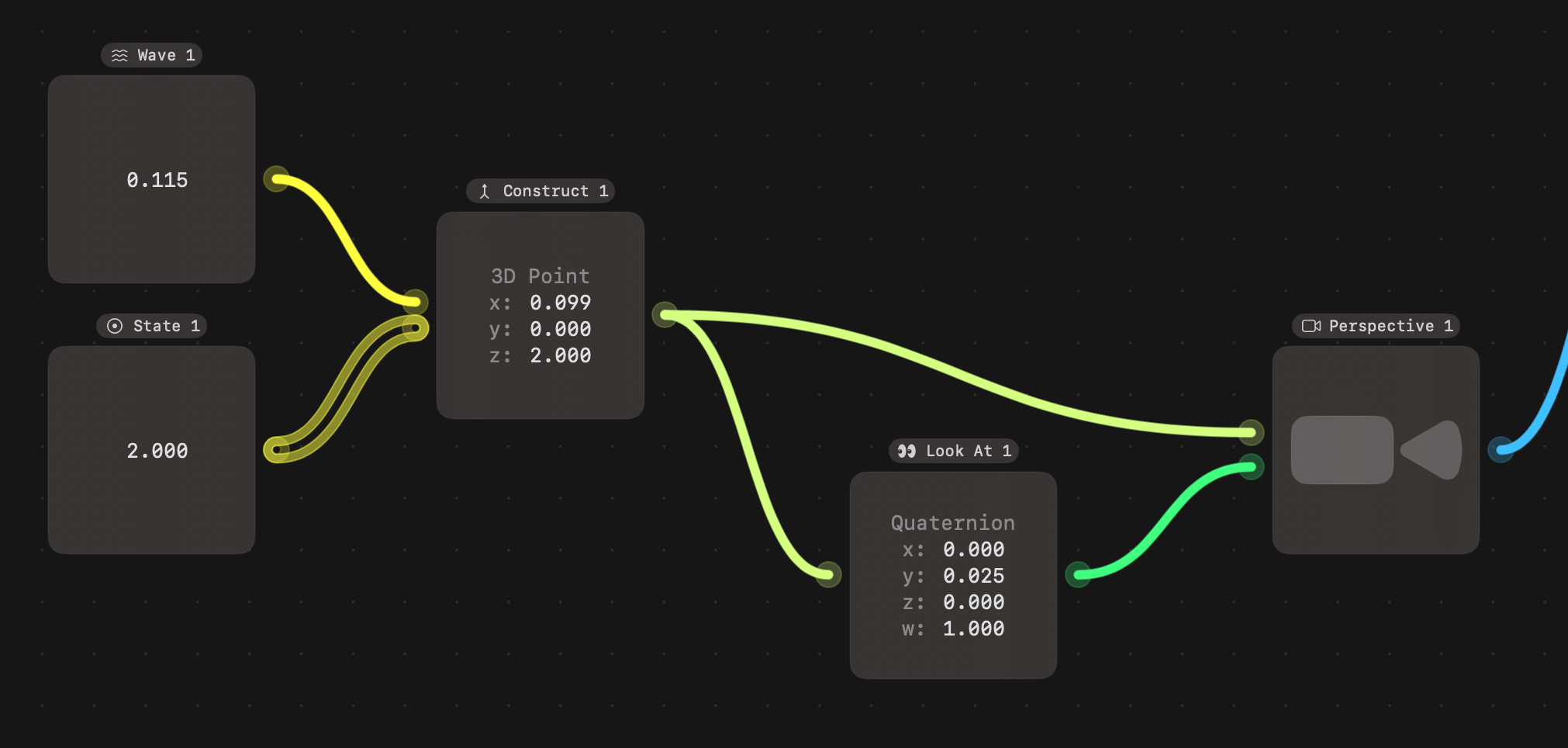
To animate the camera we can use a Wave node (X axis), along with a float state (Z axis), that we can connect to a Construct 3D Point node.

Then we can use that 3D point as position for the camera and make use of a Look At node to orient the camera towards the center. (Make sure connect the 3D point to Eye and set the Target to 0.0 the Z axis).

Final Render
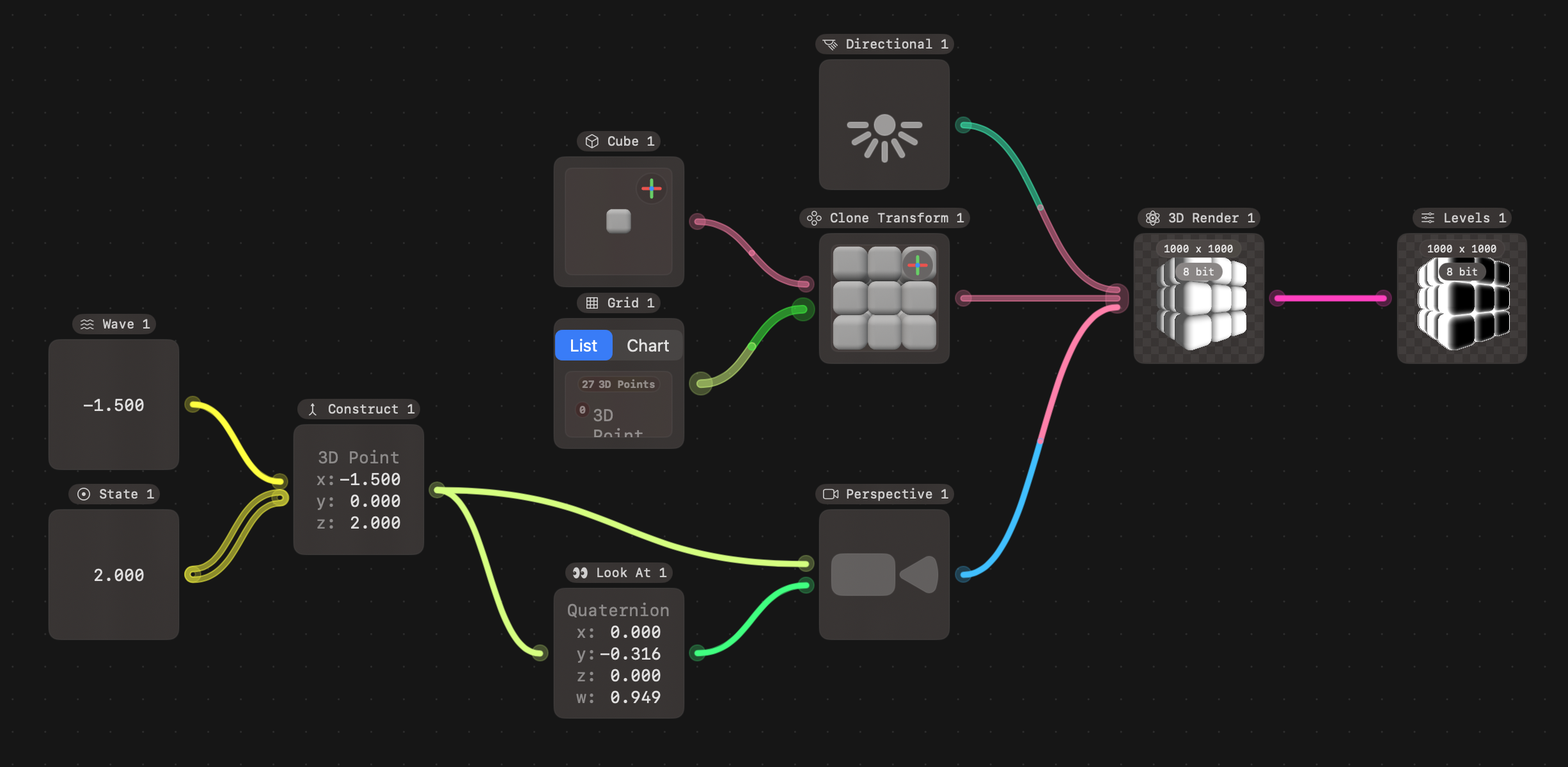
The final flow should look something like this.
Final Flow File
Here’s the final flow file used to create this guide.